Contents
- Requirements
- Warning
- Repo Key
- Repo Setup
- Install 12VPX
- Configure 12VPX
- Connecting to a 12VPX server
- China
- Troubleshooting
Requirements
- OpenWRT 25.12 or newer.
- Older versions of OpenWRT use a different packaging format and cannot be used.
- Router with 1 WAN port and 1 (or more) LAN port.
- Supported router architectures: x86_64, i686, aarch64 and armv7. No mips.
Warning
Our instructions assume a clean install of the official OpenWRT release. Other flavors of OpenWRT, or routers with a complicated setup, may not work as expected.
The GL.iNet flavor of OpenWRT does not work. Some GL.iNet models can be converted to the official OpenWRT. We recommend their Flint 2 router with the official version of OpenWRT.
Repo Key
Before we can install the 12VPX software we need to add the 12VPX signature to the router.
- Navigate to System > Administration > Repo Public Keys.
- Copy & paste the key below to add it as a new key.
-----BEGIN PUBLIC KEY-----
MIICIjANBgkqhkiG9w0BAQEFAAOCAg8AMIICCgKCAgEAztjKpAl1ExDc1gCKBKmy
46qpUvQcM5gYtLHYZAQH9y7eOel1aRZFpWvkNgrOEK1Q8//KCCT6O61U896xgET+
CUW0MUtiJucKL0kkzlxSebhAFHVv1VIrQGk7LD1SbEjeVS1sZZmLaefzN4WBI4XK
gynTDnlBn/6F1nwTkHqAj0dvOhg210drHPnpyk0n5GRvISVJfqTgh2FvXM0W11pe
RA9PZF7L9l7nhw3T3zY8MHMBjgY5iom0gNM6Duv0OIf/HvqmPaLkLyMFsAk7u9Su
f7nELUku4vWrKiqmybNlxIoGYBLh9p8fQDXugy/xVnrEt/BvaX71XXJwmTGPjAPr
uVKIuknZ4JSv5gBuj8OYIxuiT+bPjlbUESRazJoxmxDCw+MkjjIb1NZG0kgvHE+8
zr22pW2OjCdLN0iy1H7S/EHeTAjPkgCwskgy8FKy4ziqpB0NdgtRrtjcAtR02CYA
DGkKBPWMpt+CLmPRQiPFkYNhxnV1kd+6GtDAGAUXoBf+296+bF6HhwEVSKdxuQFk
3e/Z/oklmNrgugZYq2DlevIvUokzXDK9/pghu58lgPvjWaINQU23WIHSnEGqUWa1
rLpZtgYPU9UuCvP7e3+446lpZm51WMjDxujoUg5sCgl2Ra+z76zCM5SUO8BquY8I
XLWWIZtgloXctZ8n9YPWwvECAwEAAQ==
-----END PUBLIC KEY-----
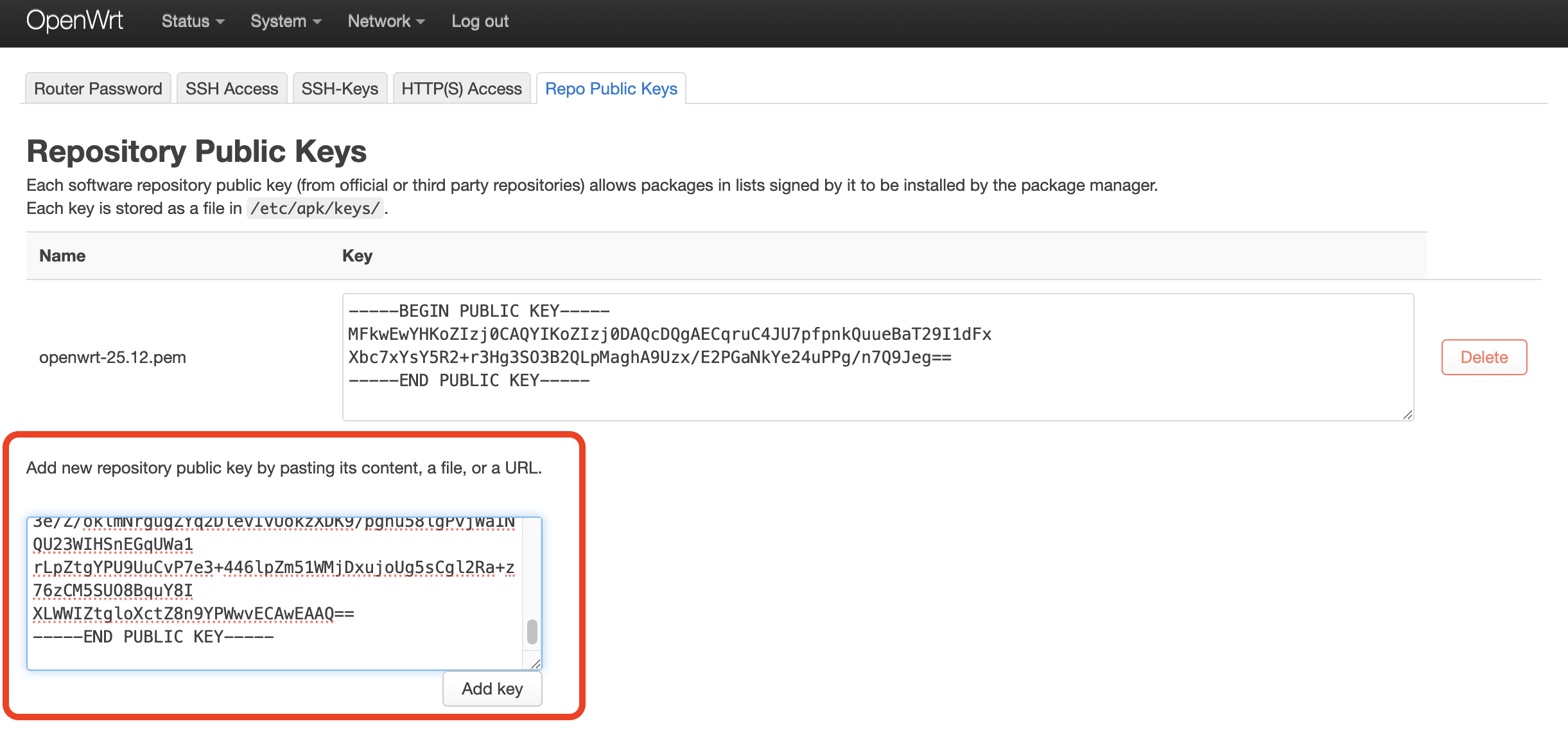
The result will look something like this:
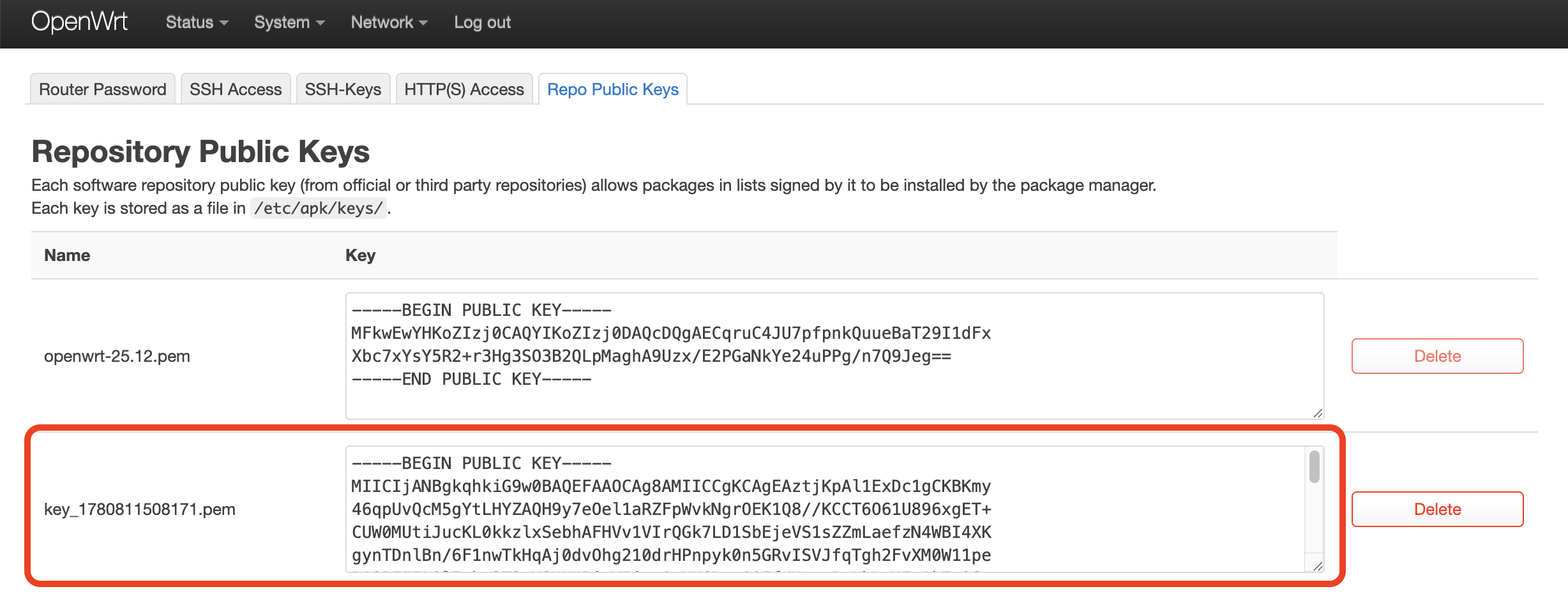
You may delete the 12VPX repo key when you don't need it anymore. Just be very careful not to delete the openwrt repo key.
Repo Setup
Next we'll add the 12VPX repository to your router.
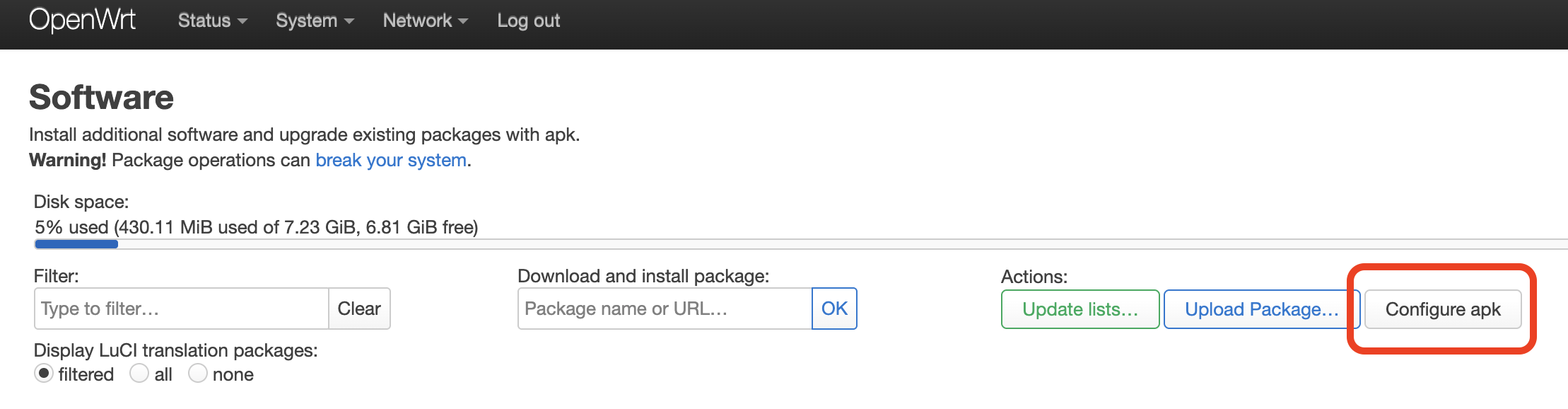
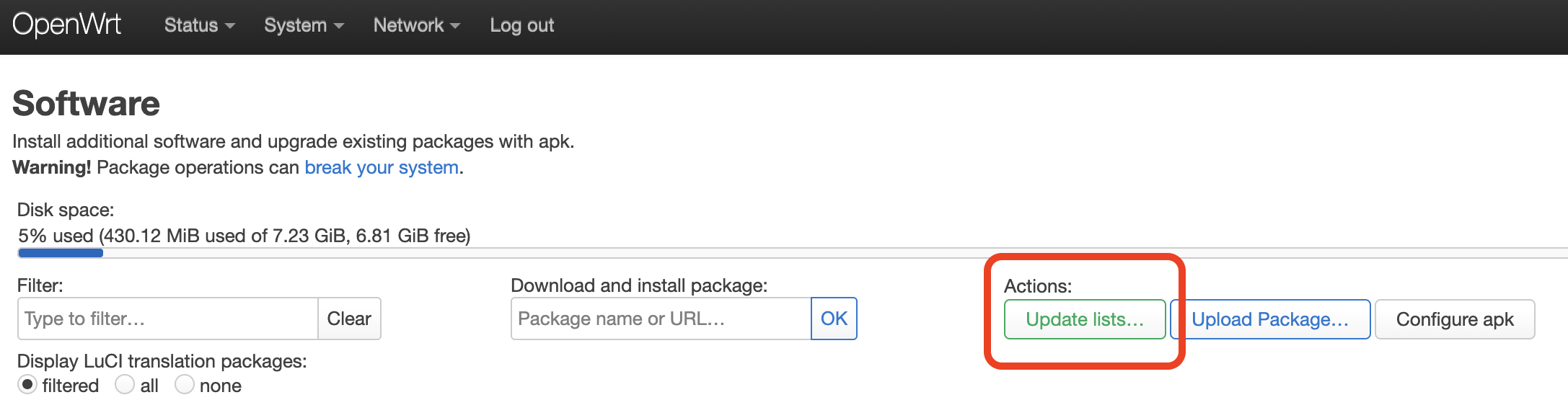
- Navigate to System > Software.
- Click Configure APK.
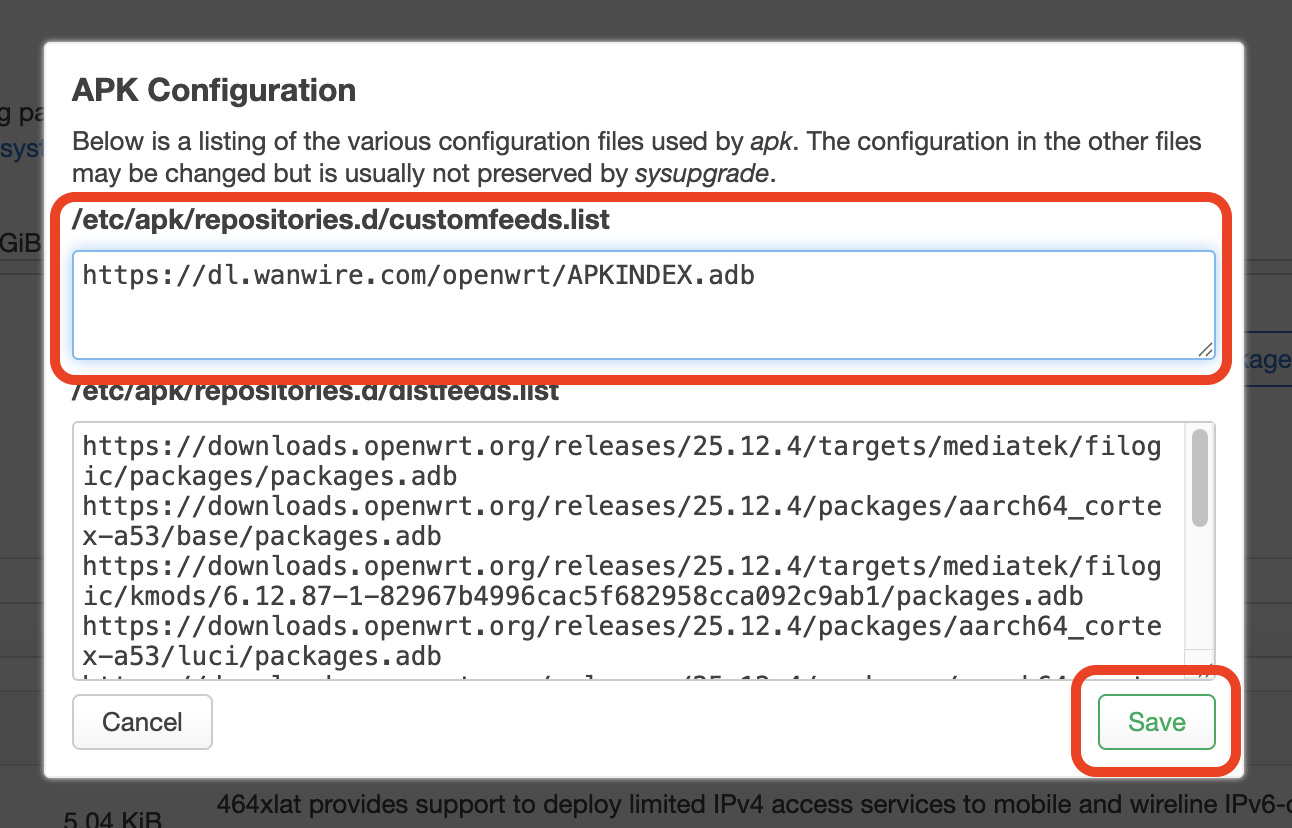
- Add our URL to the customfeeds.list section:
- Stable version:
https://dl.wanwire.com/openwrt/APKINDEX.adb - Beta version:
https://dl.wanwire.com/openwrt/beta/APKINDEX.adb
- Stable version:
- Click Save.
- Update the software list by clicking Update lists...
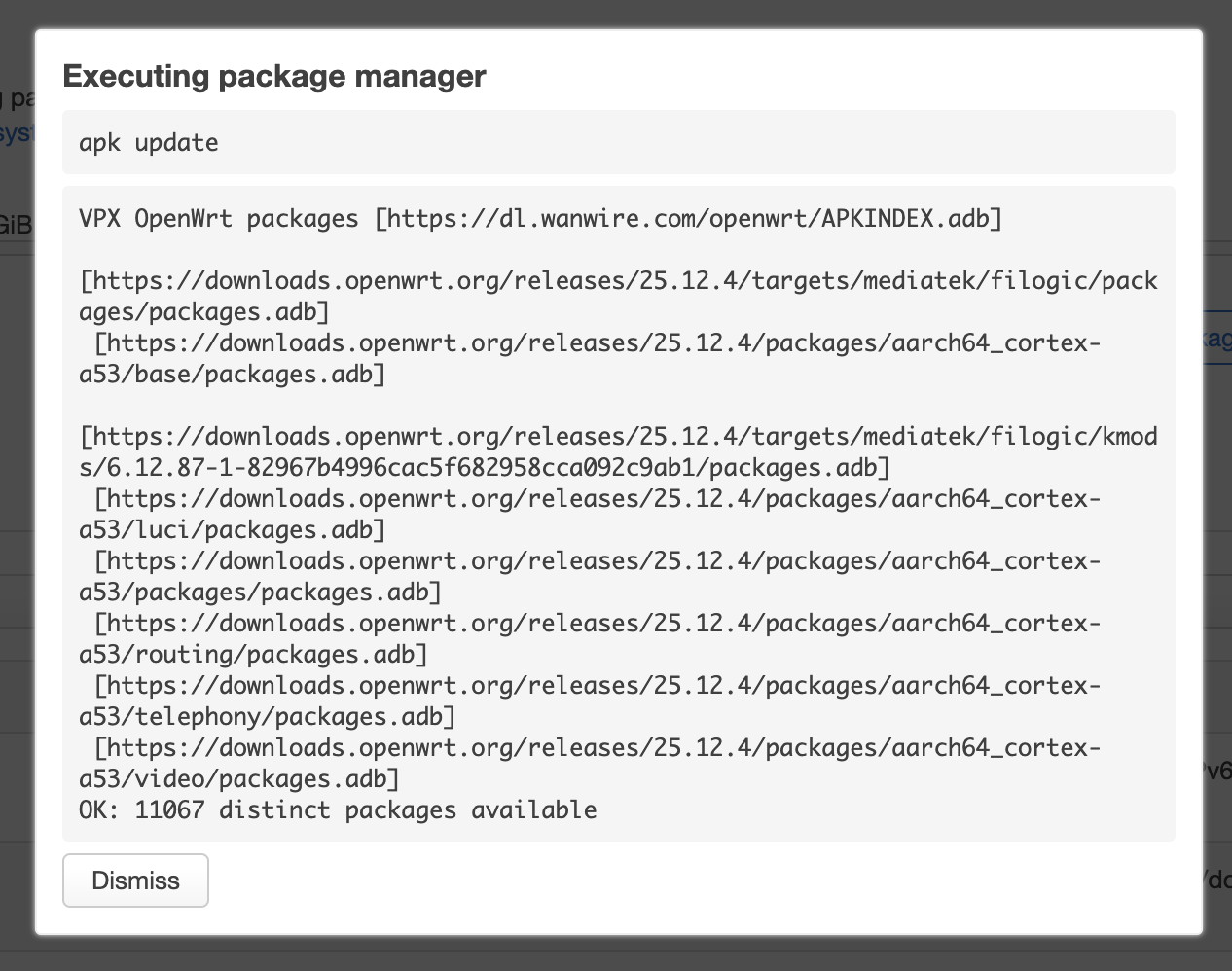
- Check the result for error messages.
Install 12VPX
We'll now install the 12VPX app.
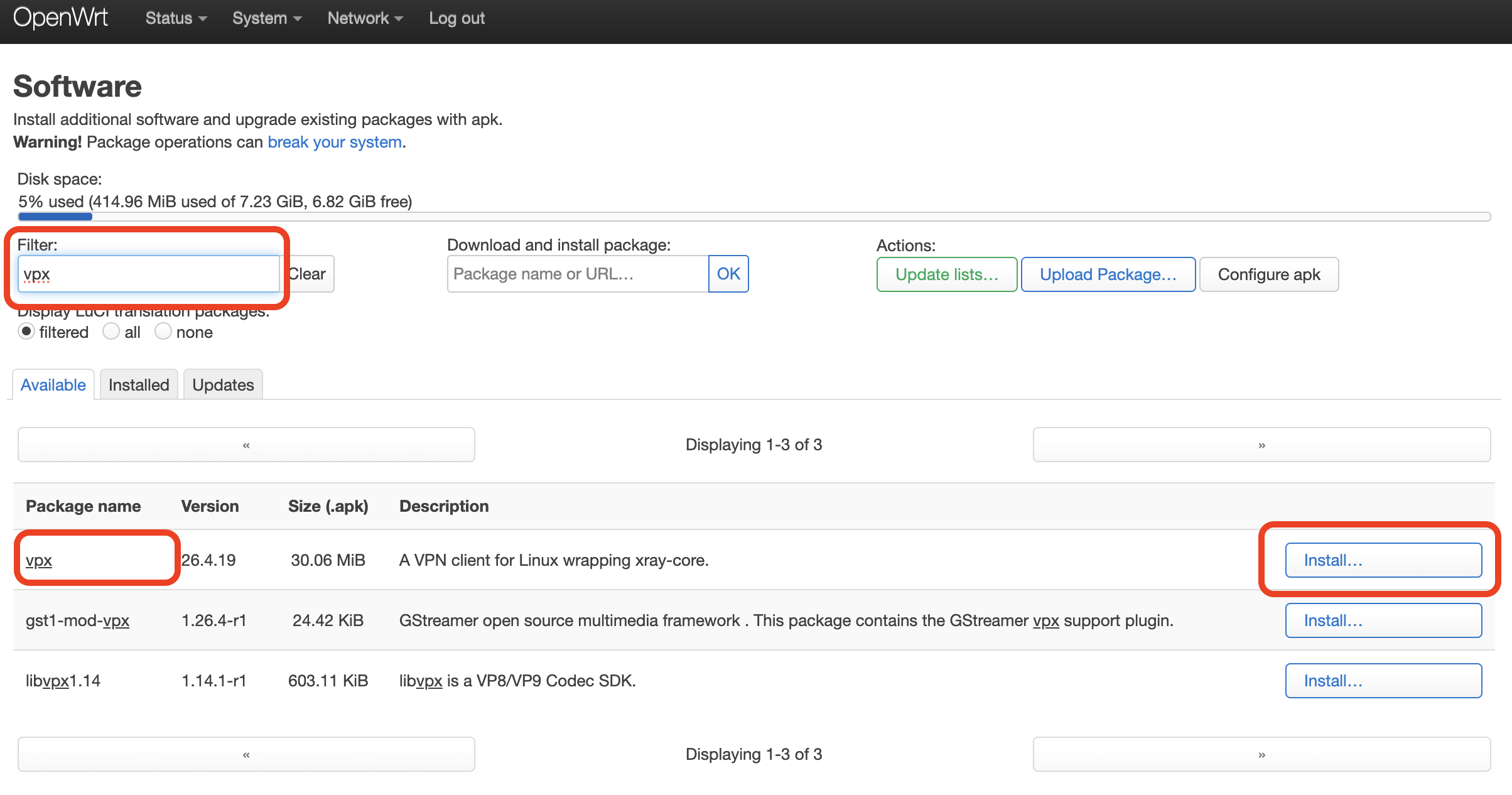
- Search the repo for vpx, then click Install.
- Click Install to proceed.
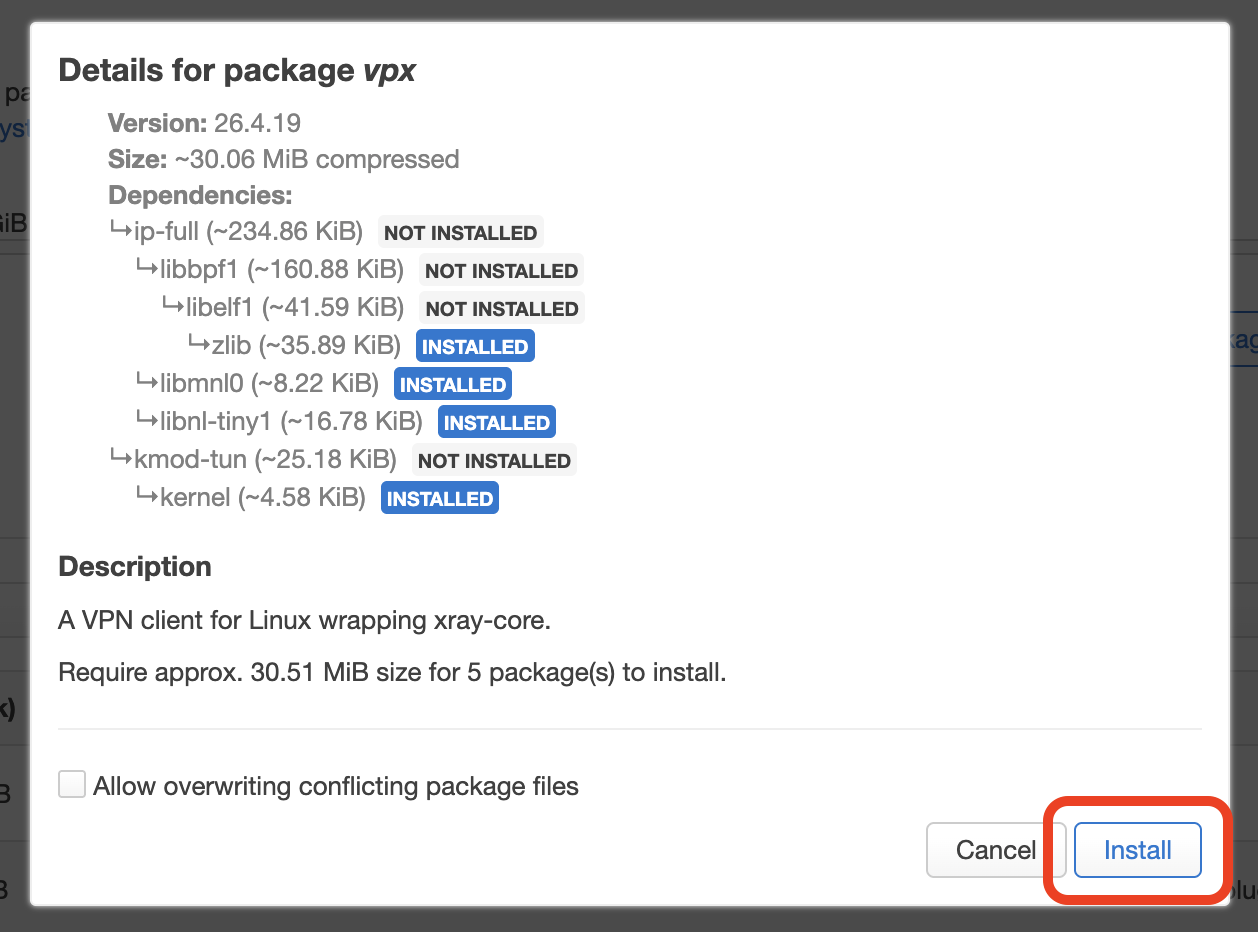
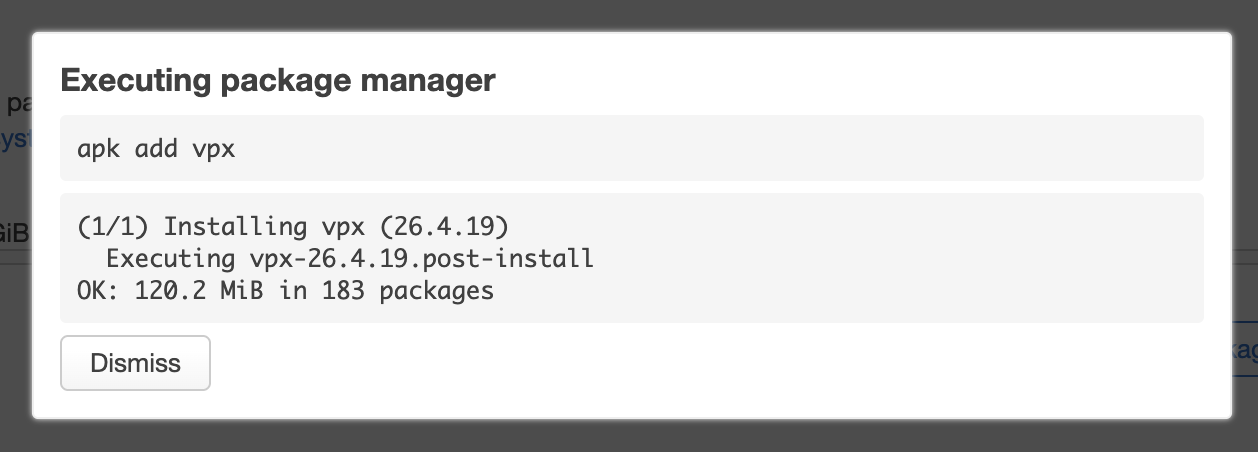
Check the result for errors:
Configure 12VPX
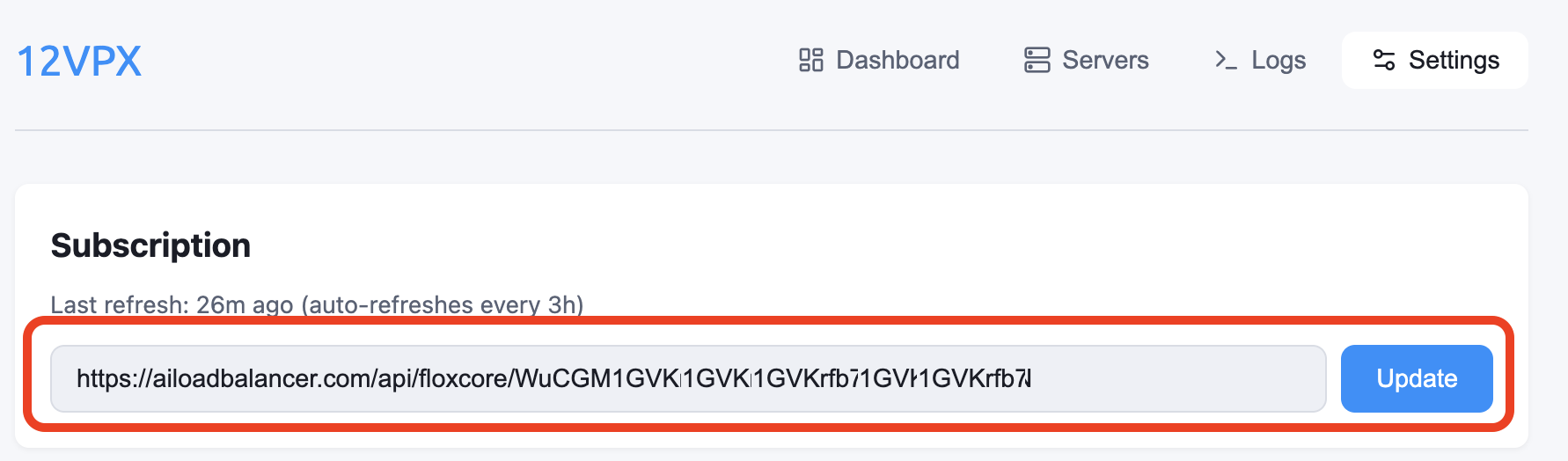
If all went well, you can now access the 12VPX app by opening http://192.168.1.1:9847/.
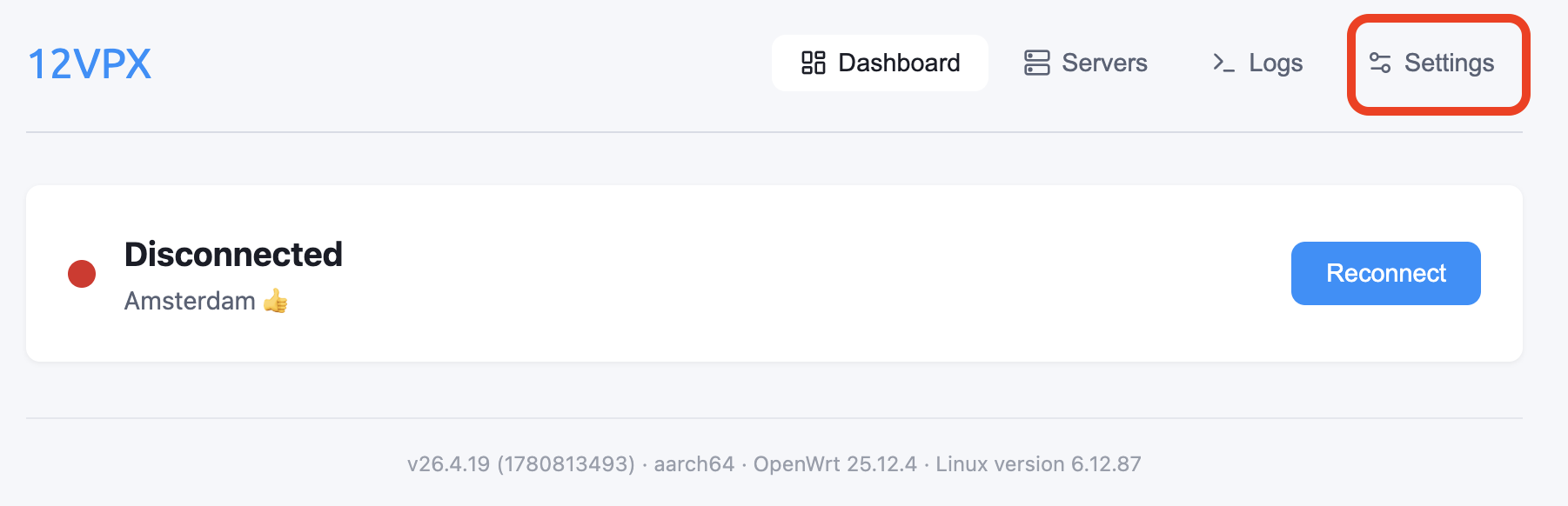
Navigate to Settings, copy and paste the Subscription URL and click Update.
Subscription URL
Connecting to a 12VPX server
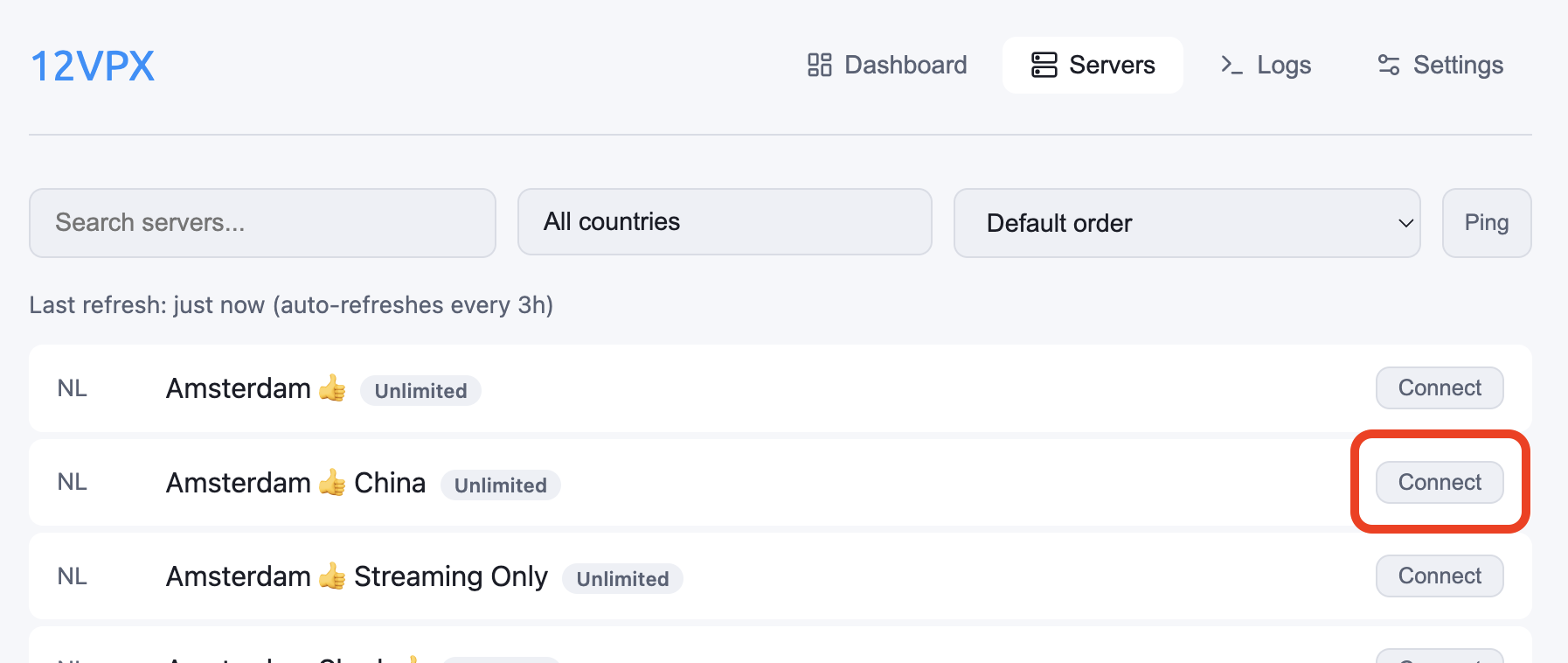
Navigate to the Servers tab, find your preferred server, and click Connect.
China
If you're in China, we recommend you go into Settings > Routing and switch the routing mode to Exclude Local China.
Troubleshooting
Update failures
Some versions, notably v26.10.43 and v26.10.44, refuse to be updated. If you run into this, please:
- Uninstall the old version (your settings will be retained)
- Reboot the router
- Install the latest version